Fix Indexing Problems Search Console Reports: Easy 7-Step Guide for 2026
A practical guide to the Page indexing report: what each status means, which fix fits, how to request indexing, and how to validate a fix.


To fix indexing problems Search Console reports, open the Page indexing report, read the reason given for each non-indexed URL, repair only the pages that belong in search, and then validate the fix. This guide uses Google’s own status names and explains what you can and cannot control.
Last updated: November 6, 2026. Written by Forkan Mahmud, an SEO professional based in Oman with about five years of experience in Local SEO, Google Business Profile, topical maps and content optimization.
What Is Indexing in Google Search, and Why Do Pages Go Missing?
Indexing is the step where Google processes a crawled page and stores it in its index, where the page may become eligible to appear in Search results. Pages go missing when Google cannot reach them, is told to skip them, sees them as duplicates, or does not select them for the index.
What Is Google Indexing?
Google indexing is the process in which Google finds a page, reads its content, and stores it in the Google index. A stored page may appear in Google Search and in other Google services such as Discover. Indexing is not ranking, and an indexed page is eligible to appear but never guaranteed to. Google explains this in its Page indexing report help page.
How Do Crawling and Indexing Differ?
Crawling is when Googlebot, Google’s crawler, finds and fetches a URL. Indexing comes after that, when Google processes the fetched content and decides whether to store it. A page can be crawled and still not be indexed, which is why Search Console shows separate statuses for each stage and why the right fix depends on the stage.
Is It a Problem When a Page Is Not Indexed?
Not always. Google says a non-indexed URL is not necessarily bad, because many pages should stay out of the index, such as duplicates, pages with a noindex tag, and removed pages. Only your important canonical pages need to be indexed. Google’s own guidance on this is short:
“Don’t expect every URL on your site to be indexed.” (Google Search Console Help, Page indexing report)
Is This Guide About Fixing Indexing on Windows 10, Windows 11 or iPhone?
No. This guide covers website indexing in Google Search and the Search Console tool. Windows indexing and iPhone indexing are device search features, not website indexing. They have separate fixes, so none of the steps below apply to them.
What Is the Page Indexing Report in Search Console?
The Page indexing report shows the indexing status of every URL Google knows about in your property. It splits URLs into indexed and not indexed, and it lists a reason for each non-indexed group. Search Console is the Google tool where site owners check how Google sees their site.
Where Do You Find the Page Indexing Report?
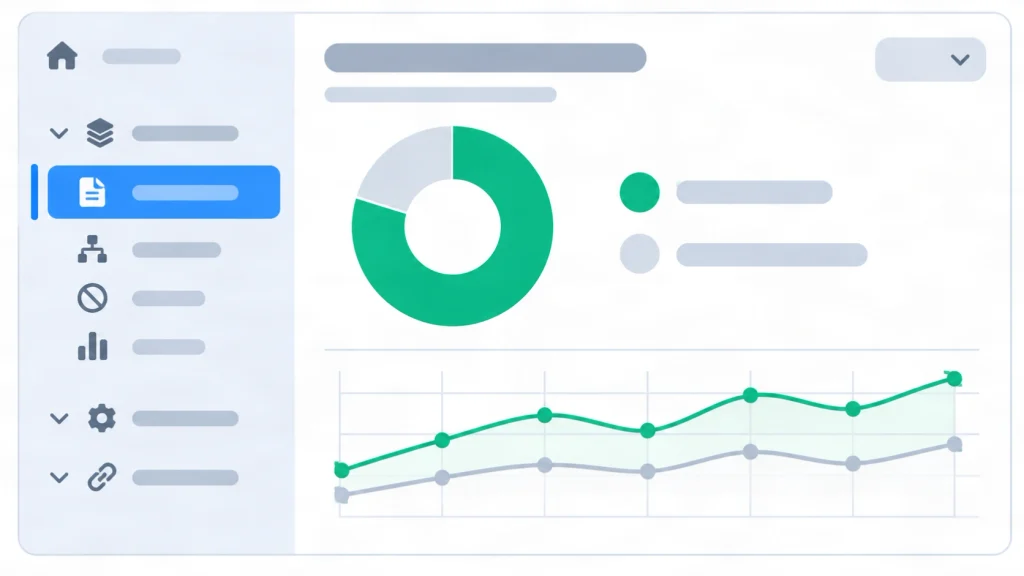
Open Search Console, choose your property, and select Pages under Indexing in the left menu. The top screen shows a chart of indexed and non-indexed pages, plus a table named Why pages aren’t indexed. Click a reason to see example URLs. Each example list holds up to 1,000 rows and does not necessarily show every affected URL.
Do You Need the Page Indexing Report for a Small Website?
Probably not. Google says a site with fewer than 500 pages probably does not need this report. Three Google searches can show whether key pages are indexed: site:example.com, site:example.com plus a topic term, and site: plus the exact page URL. Use the report when those searches return nothing for your site.
How Do Source, Validation and Sitemap Filters Work?
The Source column shows who owns an issue, the Validation column tracks Google’s recheck of your fix, and the sitemap filter limits the report to submitted URLs. Together they help you spend time on pages you can actually repair.
What Does the Source Column Tell You?
It shows whether the cause sits with Google or with your website. Google says you can generally fix only issues whose source is listed as Website. Start with those rows, and treat Google-sourced rows as items to monitor.
How Does the Sitemap Filter Help in Search Console?
It limits the report to all submitted pages, unsubmitted pages, or one specific sitemap. A sitemap is a file that lists the URLs you want Google to crawl. Google adds that validating a smaller set of URLs, filtered by a sitemap of your key pages, can finish faster than validating every affected URL.
Which Indexing Statuses Appear in the Page Indexing Report?
Search Console groups non-indexed URLs by reason, and each reason has a fixed meaning in Google’s documentation. Some reasons are errors, and others are normal. Read the status name first, then decide whether the page should be indexed at all.
What Does Crawled – Currently Not Indexed Mean?
Google crawled the page but did not index it. Google says this is common and does not always point to a problem that needs attention. It matters for important pages, which you should diagnose with the URL Inspection tool, the Search Console tool that shows Google’s data on one URL. The live test cannot check for this status, so a passing live test does not clear it.
What Does Discovered – Currently Not Indexed Mean?
Google found the URL but has not crawled it yet. Google says it usually planned to crawl the page, expected the crawl to overload the site, and rescheduled it. That is why the last crawl date is empty in the report. This status sits one step earlier than Crawled – currently not indexed.
What Does Duplicate Without User-Selected Canonical Mean?
The page duplicates another page, and you did not declare a preferred canonical URL. A canonical URL is the main version of a set of similar pages. Google chose another page as canonical and will not serve this one. Google calls this working as intended, not an error.
What Does URL Marked ‘noindex’ Mean?
Google met a noindex directive when it tried to index the page, so the page stayed out of the index. A noindex directive is a tag or header that tells Google not to index a page. Remove it only on pages you want indexed. On pages you want hidden, the status is correct.
What Does Blocked by robots.txt Mean for Indexing?
A robots.txt rule stopped Google from crawling the page. Robots.txt is a file at your site root that tells crawlers which URLs they may fetch. Google notes that a block does not guarantee the page stays out of the index, because Google can still index a URL using information from pages that link to it.
What Do Server Error, Redirect Error and Soft 404 Mean?
A server error (5xx) means your server failed when Google requested the page. A redirect error means the redirect chain was too long, looped, exceeded the maximum URL length, or contained a bad or empty URL. A soft 404 means the page shows a not found message but does not return a 404 status code.
Those six groups cover most of what the report shows.
Which Fix Matches Each Indexing Status?
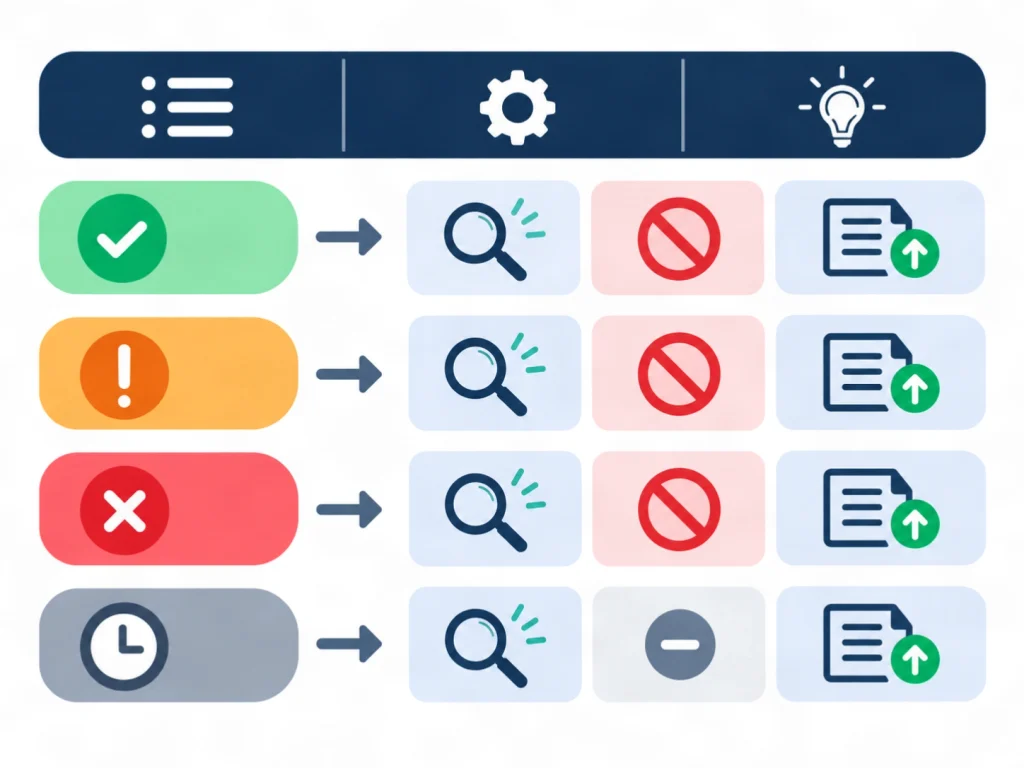
Match each status to one action before you edit anything. The table below pairs common statuses with a first action and a case where doing nothing is correct. It is a triage aid built from Google’s status definitions, and the first actions are practical advice, not an official Google table.
Which Action Fits Each Status?
Pick the row that matches the reason in your report, run the first action on one example URL, and only then repeat it across the group. Testing one URL first limits the damage of a wrong fix.
| Status in the report | What it means | First action | Leave it alone when |
|---|---|---|---|
| Crawled – currently not indexed | Crawled, not stored | Inspect the URL, then improve the page’s value | The page is low value or a duplicate |
| Discovered – currently not indexed | Found, not yet crawled | Add internal links and check host availability in the Crawl Stats report | The page is new |
| Duplicate without user-selected canonical | Duplicate with no declared canonical | Declare the preferred canonical URL | You do not need this URL |
| Duplicate, Google chose different canonical than user | Google disagrees with your canonical | Compare the pages and make them clearly different or align the signals | Google’s choice is acceptable |
| URL marked ‘noindex’ | A noindex directive was found | Remove the tag or header | You want the page hidden |
| URL blocked by robots.txt | Crawling is blocked | Remove the blocking rule | The block is intentional |
| Server error (5xx) | The server failed the request | Check hosting, firewall and Crawl Stats | A one-time outage is already fixed |
| Soft 404 | Not found message, wrong status code | Return a real 404 or add real content | The page is truly gone |
| Page with redirect | The URL redirects elsewhere | Check that the target is correct | The redirect is intended |
Which Statuses Are Usually Not Problems?
Page with redirect, Alternate page with proper canonical tag, and intentional noindex or robots.txt blocks are usually fine. Google also says a page marked duplicate or alternate is usually a good sign, because it means Google found and indexed the canonical version.
How to Fix Indexing Problems Search Console Reports Step by Step
Seven steps cover most cases: decide whether the page belongs in search, inspect it, check blocks, settle duplicates, improve weak pages, request indexing, and validate. Follow them in order, because each step removes one cause before you test the next.
Step 1: How Do You Confirm a Page Should Be Indexed?
Ask whether the page is a useful canonical page that visitors should find in search. Filtered variations, duplicates and redirect URLs usually should stay out. Decision rule: a page that answers a real question, sells something, or acts as a main category page should be indexed. Fix those first and leave the rest alone.
Step 2: How Do You Inspect the URL?
Paste the full URL into the inspection bar at the top of Search Console. The URL Inspection tool shows Google’s indexed version of the page and lets you run a live test of the current version. Google applies a daily inspection limit to each property. Read these fields first:
- Crawl allowed? shows whether robots.txt blocked Google.
- Indexing allowed? shows whether a noindex directive blocked indexing.
- Google-selected canonical shows which URL Google treats as the main version.
Step 3: How Do You Check robots.txt and noindex Tags?
Open yoursite.com/robots.txt in a browser and look for a rule that matches the URL. Then search the page source and response headers for the word noindex. Remove any block on a page you want indexed. Do not use robots.txt to keep a page out of the index, because a robots.txt block stops Google from seeing a noindex tag.
Step 4: How Do You Fix Duplicate and Canonical Problems?
Inspect the URL and compare the user-declared canonical with the Google-selected canonical. When Google picked a different page than you want, make the pages clearly different or declare your preferred URL with a rel=”canonical” tag, an HTTP header, or your sitemap. Google treats this declaration as a hint, not a command.
Parameter pages are a common cause. A shop that serves the same products under type, color and sort parameters creates many near copies, and Google’s guidance says such pages probably should not be indexed.
Step 5: How Do You Improve a Page Google Crawled but Did Not Index?
Make the page clearly useful and different from similar pages, then link to it from relevant pages on your site. Google says page quality must be high enough to warrant indexing, but it publishes no checklist for this status. The actions below are informed practice, not guaranteed outcomes:
- Add information the page lacks, such as a real example, a comparison or a clear definition.
- Merge or remove near duplicate pages that compete for the same question.
- Link to the page from related pages. Building topical authority helps these links make sense to readers and crawlers.
- Rewrite thin pages from a clear brief, such as an SEO content brief.
Step 6: How Do You Request Indexing in Search Console?
Inspect the URL, run the live test, and click Request indexing. Google runs a quick check for immediate errors and, if the page passes, adds it to the indexing queue. Indexing typically takes a day or so but can take up to a week or two, and a request never guarantees inclusion. For many pages, submit a sitemap with the updated pages marked by lastmod instead.
Step 7: How Do You Validate a Fix in the Page Indexing Report?
Open the issue’s details page and click Validate fix after you have repaired every known instance. Validation usually takes up to about two weeks and sometimes longer. Google stops the check when it finds a single remaining instance, so fix all of them first. Do not click Validate fix again until the current check has passed or failed.
Google emails you when validation succeeds or fails. You can also fix an issue without validating, because Google updates the count whenever it recrawls an affected page.
Which Mistakes Keep Pages Out of Google’s Index?
Most repeat indexing problems come from a few mistakes: blocking pages in robots.txt when noindex was meant, listing blocked URLs in a sitemap, requesting indexing for unchanged pages, and validating too early. Each mistake has a simple correction.
Why Is Blocking a Page With robots.txt a Mistake?
Google does not recommend robots.txt for keeping a page out of search, because the rule prevents Google from seeing a noindex tag. The correct method is to allow crawling and add noindex. Google’s help pages state this directly in the Page indexing report FAQ.
Why Should a Sitemap Not List Blocked URLs?
A sitemap that lists URLs blocked by robots.txt, noindex or a login requirement may cause an error spike in the report. Keep the sitemap limited to canonical pages you want indexed. Google also says a sitemap must not be blocked by robots.txt, must be valid, and must use the correct URL in the Sitemaps report.
Does Requesting Indexing Again and Again Help?
No. Google says it recrawls pages automatically, so ask for a recrawl only after an important change that Google has not noticed for a week or more. Repeated requests on an unchanged page add nothing. Improve the page first, then use Request indexing once.
What Goes Wrong When You Validate a Fix Too Early?
Validation fails. Google ends the check when it finds one remaining instance of the issue, so a partial fix wastes the roughly two-week cycle. Finish every instance first, confirm one example with a live test, and then click Validate fix once.
Why Do Indexed Pages Still Get No Impressions in Search Console?
Indexing makes a page eligible to appear, but it does not promise an appearance. Google says search results vary by each user’s history, location and other variables, so an indexed page will not show in every search or at the same position each time.
How Do You Confirm That an Indexed Page Is Eligible to Appear?
Inspect the URL and look for the verdict URL is on Google, which means eligible but not guaranteed. For a definitive check, search for the exact URL on Google. When the page is indexed but missing, Google suggests checking the Manual actions report and the Security issues report for problems that can block it.
How Does the Removals Tool in Search Console Affect Indexing?
The Removals tool blocks a URL from Google results temporarily. The URL Inspection live test does not check for this block, so a page can look fine in the test while hidden by a removal request. Open the Temporary Removals page in Search Console to confirm that no active request covers your URL.
What Are the Risks and Limits of Indexing Fixes?
Indexing fixes have real limits. No method can force Google to index a page, results take days or weeks, and a wrong change to robots.txt or noindex tags can remove important pages from search. Test site-wide changes on one URL or a staging copy first.
Can Anyone Guarantee That Google Will Index a Page?
No. Google says it does not guarantee that every page on the web makes it into the index, and a request or a passing live test does not change that. Treat any promise of guaranteed indexing as an overclaim.
When Should You Ask a Developer or SEO Specialist for Help?
Ask for help when the fix touches server settings, firewalls, templates or large redirect changes. Google notes that a firewall may be outside your control and may need your hosting provider. After a full diagnosis, a suspected site-wide indexing bug can go to Google through its report an indexing issue form.
How Long Do Indexing Fixes Take to Show Results?
Expect days to weeks. Google says a new page can take about a week to be crawled and indexed, a Request indexing submission typically takes a day or so, and validation takes up to about two weeks. Check the report again after the validation cycle ends, not every day.
How Was This Guide Built, and What Does It Not Prove?
This guide is built from Google’s Search Console Help pages for the Page indexing report and the URL Inspection tool, opened on November 6, 2026. It includes no client test results or traffic numbers. The triage table is the author’s practical arrangement of Google’s definitions, not an experiment.
Related pages on this site include the local SEO case studies and the SEO tools and resources page. Google’s rules and report names can change, so recheck the Page indexing report documentation before large changes.
Conclusion: A Calm Order of Work for Search Console Indexing Problems
Start with the reason Search Console shows, not with a panic fix. Decide whether the page belongs in search, inspect it, remove accidental blocks, settle canonical signals, improve weak pages, then request indexing and validate. Google gives no guarantee, so measure progress over weeks, not hours.
A low-pressure next step: pick your five most important URLs, inspect each one, and write down the reason Google gives. For a manual review of your own site, use the contact page or read about affordable website SEO services in Oman.
Frequently Asked Questions About Fixing Indexing Issues
These ten answers cover the most common questions about indexing in Google Search Console, from timing and sitemaps to duplicates and blocks. Each answer stands alone and reflects Google’s documentation as of November 6, 2026.
How Long Does Google Take to Index a New Page?
Google says it can take a week or so to start crawling and indexing a new page or site. After a Request indexing submission, indexing typically takes a day or so, and in some cases much longer. Waiting a few days before acting is reasonable, and a request never guarantees inclusion.
Why Does Google Not Read My Sitemap?
Check that the sitemap is not blocked by robots.txt, that it is valid, and that you submitted the correct URL in the Sitemaps report or in robots.txt. A sitemap helps Google find URLs, but it does not force indexing. Pages listed in it still need to meet Google’s indexing conditions.
Why Does Google Keep Crawling a Page I Removed?
Google keeps crawling known URLs for a while after they return 4xx errors, in case the error is temporary. The only case where Google stops crawling a URL is when it returns a noindex directive. A removed page with no replacement can simply return a 404.
Why Does the Report Show an Error When URL Inspection Shows None?
You may have fixed the problem after Google’s last crawl, so check the crawl date for the URL. The live test also does not cover every issue in the report. It does not test duplicate or canonical conditions, so a clean live test cannot clear a duplicate status.
Why Is a Page Indexed When I Do Not Want It Indexed?
Google can index any URL it finds unless the page has a noindex directive, and it can find a page through many routes, including links from other sites. To keep a page out of results, add noindex or require a login. A robots.txt rule is not recommended for this job.
Why Are So Many of My Pages Not Indexed?
Look at the reasons in the report. Google lists three common causes: robots.txt rules that block large sections, many duplicate pages created by filter or sort parameters, and URLs that redirect to another URL. Redirecting URLs are not indexed, only their targets.
What Is the Difference Between a Warning and a Not Indexed Reason?
A not indexed reason means the URL is not in the index. A warning appears in the Improve page experience table and does not stop indexing, but it reduces Google’s ability to understand and index the page. Indexed, though blocked by robots.txt is one example of a warning.
How Do I Check Whether One Specific URL Is Indexed?
Use the URL Inspection tool, because you cannot search or filter by URL in the Page indexing report. The tool shows the indexed version, the last crawl date and the Google-selected canonical. A site: search for the exact URL gives a second, quick check.
Why Does the Report List Fewer URLs Than My Site Has?
Google may not be finding some pages. A new site or page can take a week or so to appear, and Google needs a link from a known page or a sitemap entry to find a URL. Page access also matters: pages behind a login or carrying noindex stay out.
What Does Indexed, Though Blocked by robots.txt Mean?
Google indexed the page even though robots.txt blocked crawling, usually because other pages link to it. Google did not load the page, so any snippet is likely limited. To hide the page, remove the robots.txt block and add noindex. To keep it, unblock it in robots.txt.